Support & Account
Access help, check for updates, and manage your Bimrock subscription.
Last updated: 2024-12-01
The Support panel provides quick access to help resources, software updates, and account management directly from Revit.
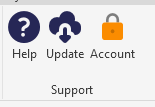
Help & Support
Click Help to open a dialog with contact information and links to support resources.
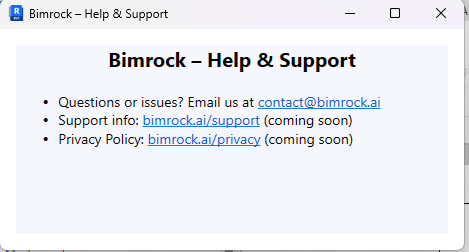
- Contact email for direct support requests
- Link to online documentation and guides
- Privacy policy and terms of service
Plugin Updates
Click Update to check for new versions of the Bimrock add-in. The plugin will automatically download and install updates when available.
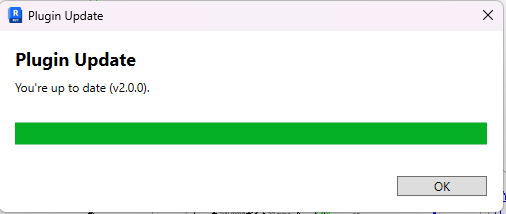
Automatic Updates
Updates are checked automatically when Revit starts. Manual checks ensure you have the latest features and bug fixes immediately.
Account Management
Click Account to view your subscription status, manage seats, and access billing information.
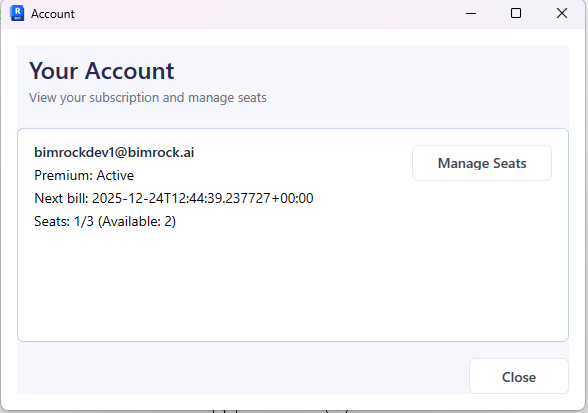
Account Information
- Subscription plan (Premium, Standard, etc.)
- Status (Active, Trial, Expired)
- Next billing date
- Seats in use vs. total seats available
Team Management
For team subscriptions, click Manage Seats to view and manage team members.
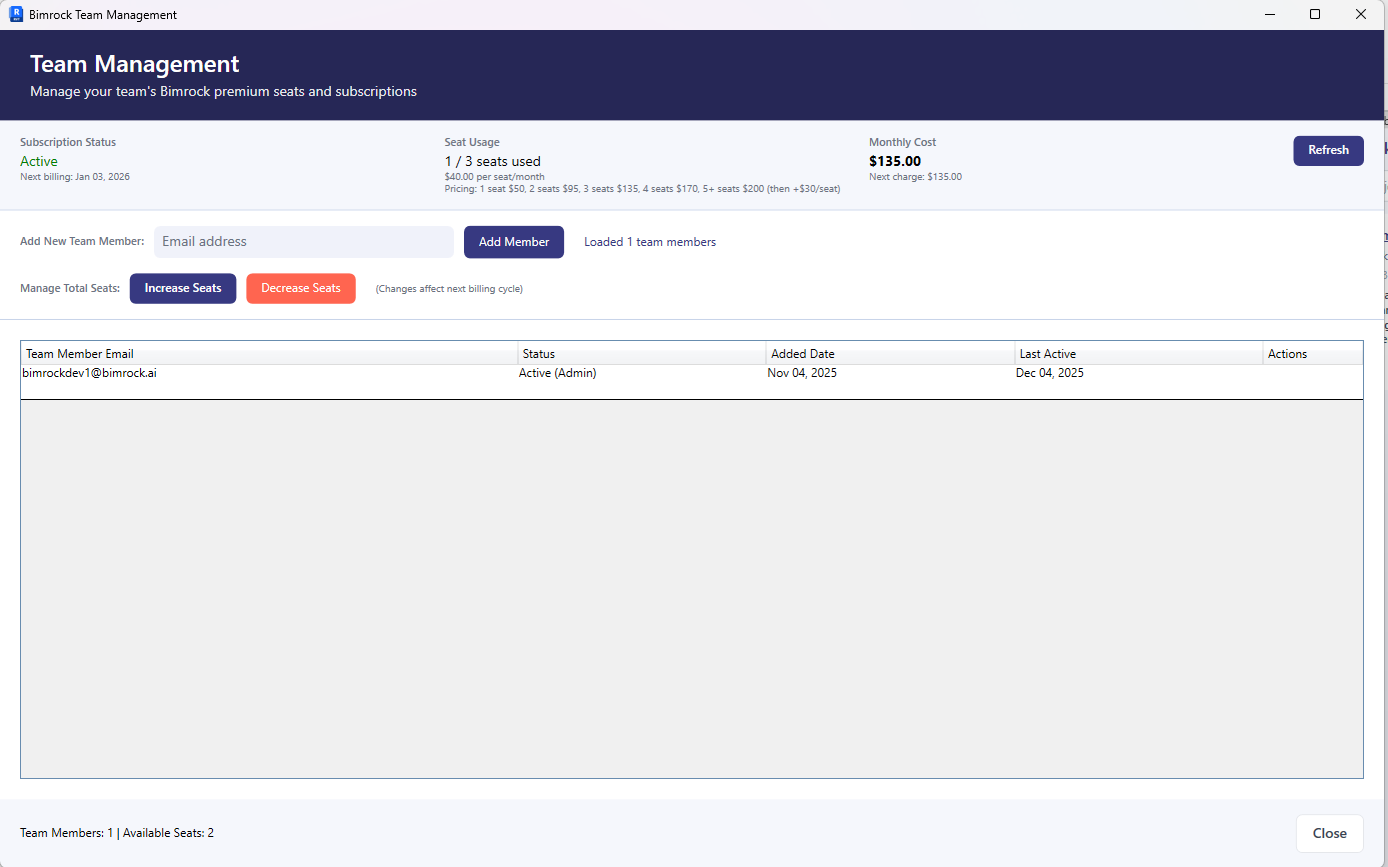
- View all team members and their status
- See which seats are currently in use
- Track monthly costs per seat
- Add or remove team members (subscription admin only)
Subscription Changes
To upgrade your plan or change billing information, visit the Bimrock web portal or contact support.